
Objective
This is the first in a series of interconnected computer projects spanning a year.
In these projects, I will attempt to develop a complete and realistic eCommerce application “demo-shop”.
At the same time, I also intend to build a software factory in the form of automated CI/CD pipelines.
The resulting application will be deployed in a Kubernetes environment and made publicly accessible.
The application and the infrastructure used will also be equipped with monitoring and a notification system for reporting issues.
Application development and operations will be automated as much as possible and made reusable for other future applications.
In this first delivery, I want to achieve the following:
- Install and get to know kubernetes
- Deploy existing self made applications to a Kubernetes cluster
- Design a real-world eCommerce application,
and create the corresponding application documentation with diagrams - Create schema migration and (test) data migration scripts for the database
- Develop the core of the full-stack web application with external configuration and logging
- Develop web services which use REST and gRPC as API protocol
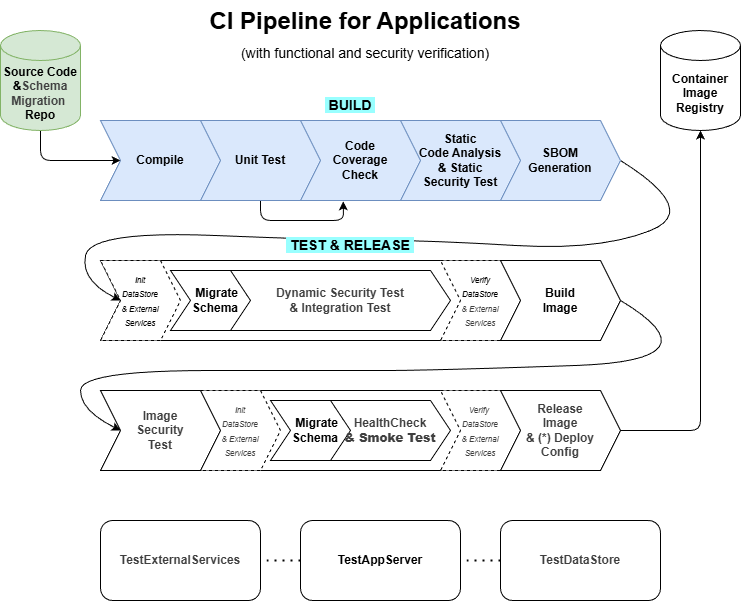
- Create the first, rapid build part of a CI pipeline,
with compile, unit tests, code coverage checks, static code analysis checks and SBOM generation - This rapid build portion of a CI pipeline should be executed automatically
before a feature branch is merged into the master branch of the source code repository;
even better, these static code analysis checks can also be performed locally before each commit - Manual testing by individual developers
(a separate application runtime environment “local-devapp” is required for each developer)
This project therefore ensures the implementation of the following (blue) parts of the pipelines:
Result
1 - Install and study Kubernetes
To increase the portability, scalability and availability of my programs,
I am going to use Kubernetes as the software platform for container orchestration.
Portability means that Kubernetes can be installed and used on virtually all Linux distributions,
to deploy applications with scalability and high availability.
Kubernetes has become practically the standard for this in companies and for Cloud providers.
First, I learned the architecture and basic operation of Kubernetes via an online course.
After that, I compared various Kubernetes distributions and chose “K3s/K3d” as a lightweight implementation
(vs standard kubernetes K8s, Openshift, Talos Linux, Minikube, Kind, Microk8s).
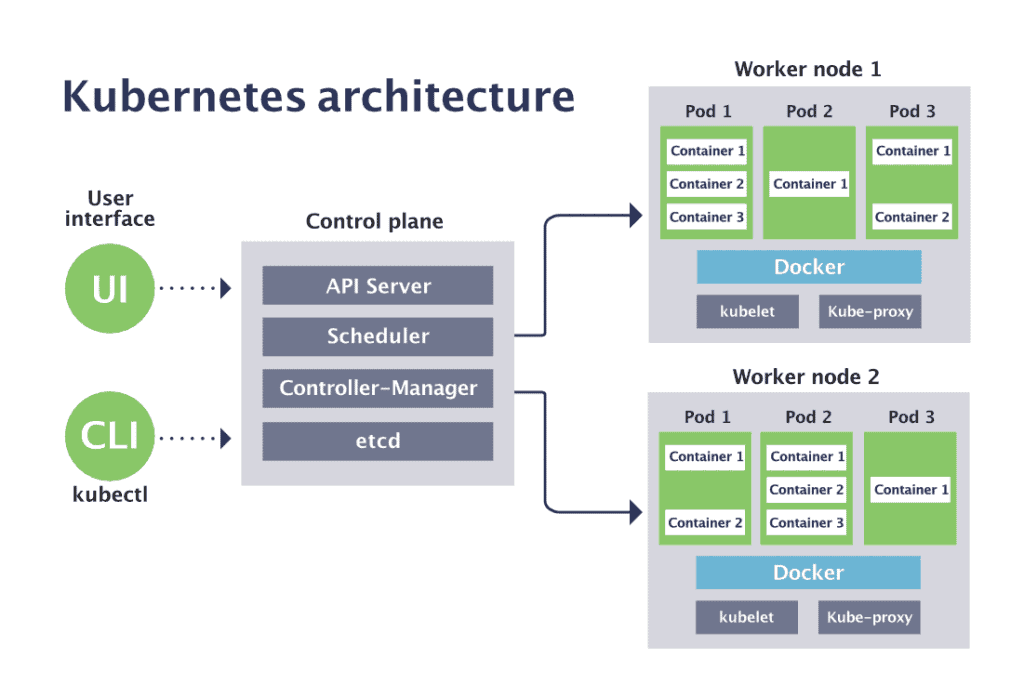
To install Kubernetes, I needed to provide hardware and virtual machines.
After that, I had to develop the desired cluster architecture and namespaces on top of this.
I created the following 3 Kubernetes environments:
- Kubernetes cluster local-devapp" for local development and exploration:
on my development PC/laptop, I installed “Rancher Desktop”;
I used a one-node cluster with K3s and a multi-node cluster with K3d,
which are dynamically created and removed when necessary - Kubernetes cluster"home-devdep" for central app development and deployment tools:
For this, I used a one-node cluster with K3s,
and purchased a refurbished business-grade machine for this;
this cluster can be expanded with extra nodes later - Kubernetes cluster “home-prodapp” for applications deployed in production:
For this, I used a one-node cluster with K3s,
and purchased a refurbished business-grade machine for this;
this cluster will be expanded with extra nodes later

The purchase price of these 2 machines had to fall within my annual budget of 500 EUR.
I bought the following 2 refurbished business-grade mini pc’s with low power consumption,
and installed K3s Kubernetes on it:
HP EliteDesk 800 G5 USFF - Intel Core i5-9th Gen (6 cores/6 threads) - 16 GB DDR4 SDRAM - 256 GB SSD
2 - Deploy existing applications in Kubernetes
2.1 - Study application deployment in Kubernetes
I started by learning how to deploy and use applications on the “home-prodapp” Kubernetes cluster.
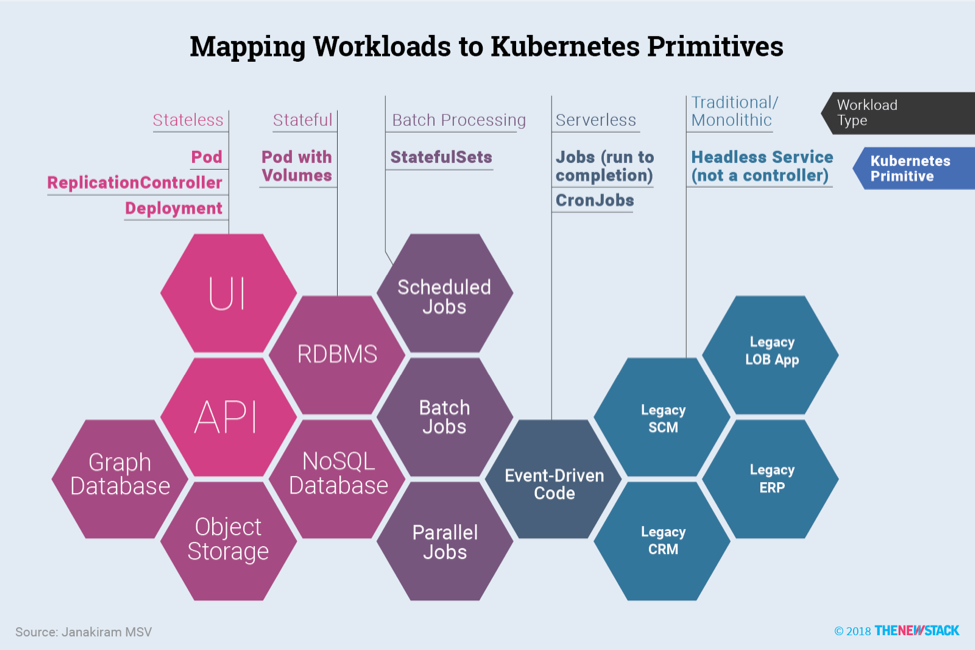
Kubernetes provides support for improving the scalability and availability in three important areas:
- computing resources:
referred to as “Workloads” in Kubernetes;
Kubernetes specifies “Long-Running / Continuous” workload types (DaemonSet, Deployment, StatefulSet),
and “Batch / Scheduled” workload types (Jobs, CronJobs);
In this post, we will look only at “DaemonSet”, “Deployment” and “StatefulSet” as workload types. - storage resources:
referred to as “Volumes” in Kubernetes;
Kubernetes specifies many types, which are categorized into “Ephemeral & Temporary”, “Node-Local” and “Persistent & Networked” volume types;
In this post, we will look only at “emptyDir” & “configMap” & “secret” as Ephemeral,
“hostPath” als Node-Local and “nfs” & “csi” as Persistent volume types. - networking resources:
referred to as “Services, Load Balancing, and Networking” in Kubernetes;
Kubernetes specifies “ClusterIP” (default), “NodePort”, “LoadBalancer”, “ExternalName” and “HeadlessService” as service types;
In this post, we will look only at “NodePort” and “LoadBalancer” as service types.
To explore this Kubernetes application support, I created two namespaces within the “home-prodapp” cluster:
- “ops” namespace:
intended for the installation of application and infrastructure monitoring tools;
no specific tools have been selected yet, so “nginx” will be used as a substitute for learning purposes - “demo” namespace:
intended for the re-installation of the existing homemade “demo_hello2” and “demo_todo2” applications

2.2 - Deploy nginx app as DaemonSet workload
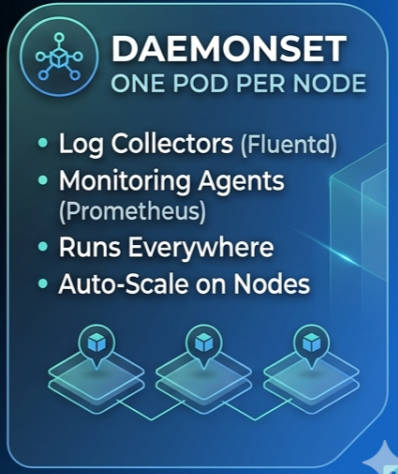
Using kubectl and raw kubernetes manifests (in yaml);
Kubernetes “DaemonSet” as workload type and “emptyDir” & “nfs” as volume types
2.3 - Deploy demo-hello app as Deployment workload
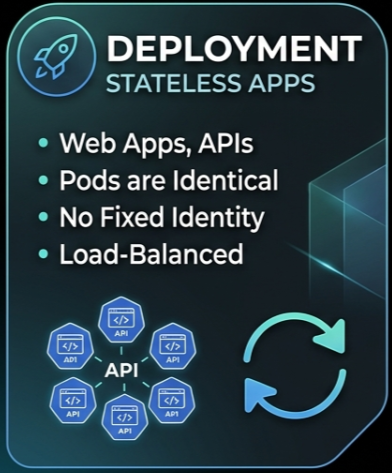
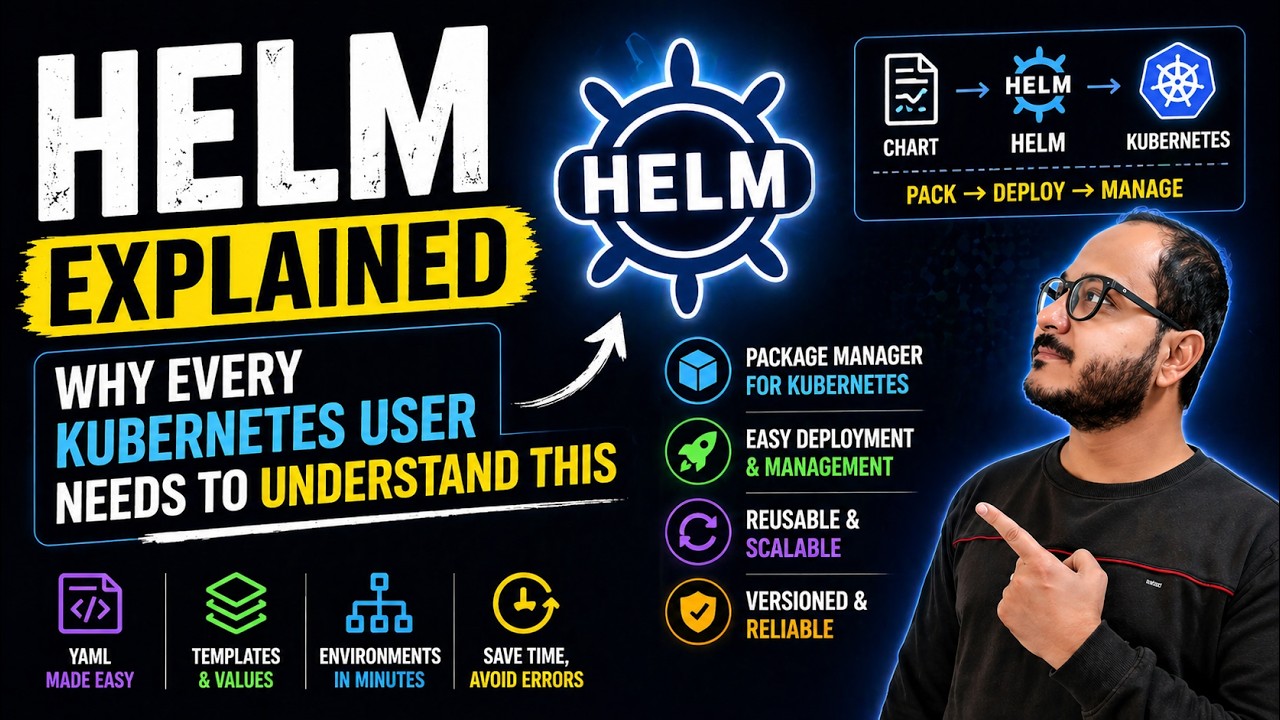
Using config management tools: Helm (vs Kustomize);
Kubernetes “Deployment” as workload type and “configMap” & “secret” as volume types
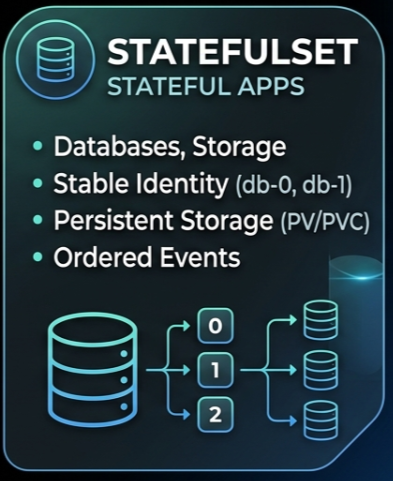
2.4 - Deploy demo-todo app with database as StatefulSet workload
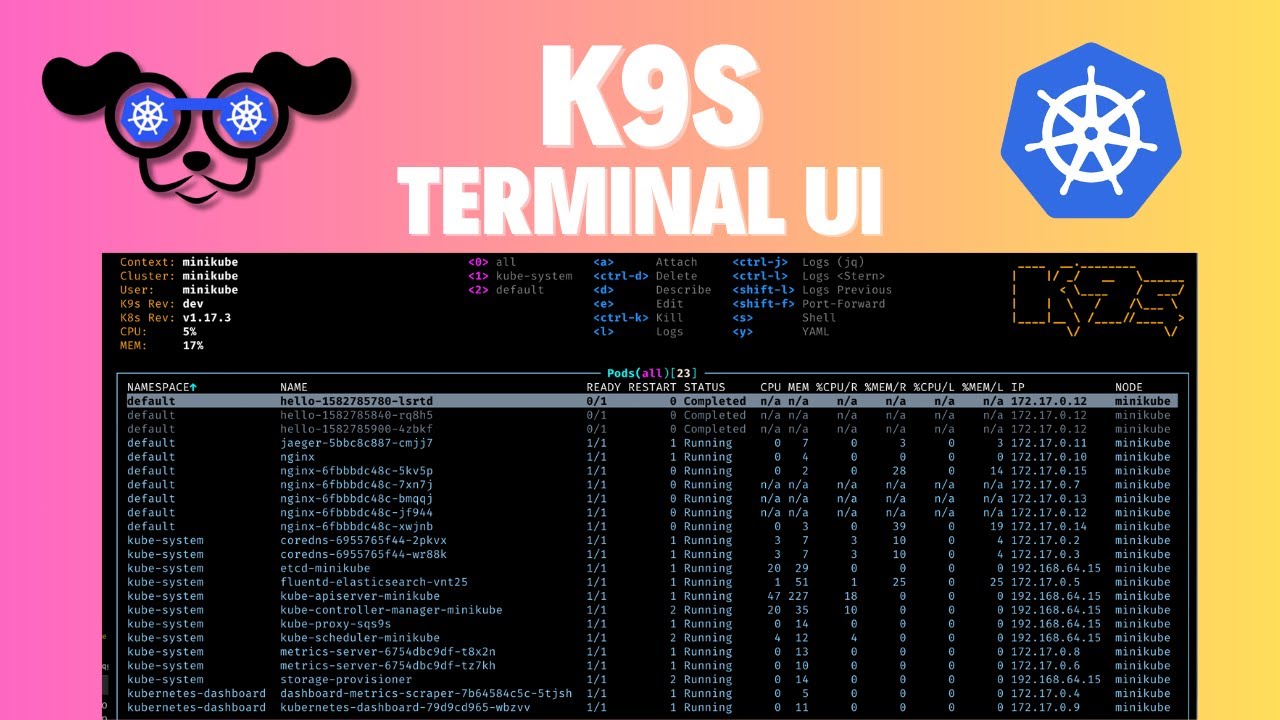
Using popular tools: k9s, kubectx & kubens, kube-ps1, stern, kubetail, kube-shell, kubeadm;
Kubernetes “Deployment” & “StatefulSet” as workload type
and “hostPath” & “nfs” & “csi” (Container Storage Interface) as volume types;
Kubernetes controller vs operator;
Using “MariaDB Community operator” for database scaling and backup
2.5 - Make Kubernetes applications publicly accessible
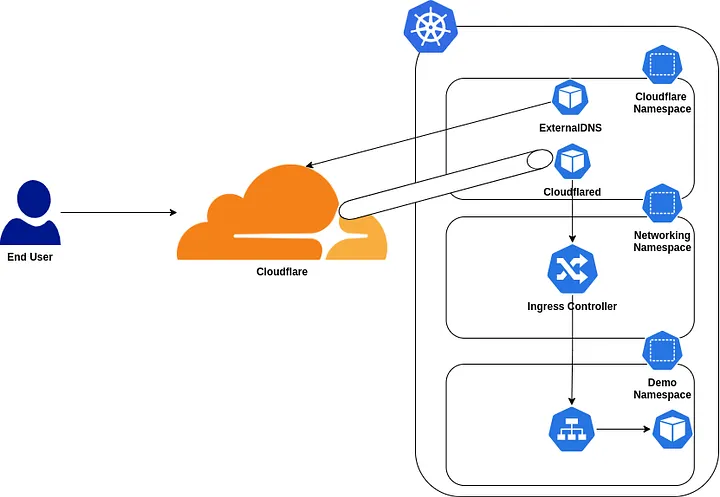
Make “demo_hello2” and “demo_todo2” publicly accessible,
using Cloudflare Tunneling and Kubernetes “LoadBalancer” service type
3 - Design the demo-shop application and create database
4 - Develop webgui and services with initial application logic
5 - Creation of first unit tests and CI pipeline

Kubernetes CI Tools: Forgejo Actions (vs GitHub/Gitlab Actions, Jenkins Pipelines)
6 - complete first version of demo-shop app and CI pipeline
Create the first, rapid build part of a CI pipeline (Continuous Integration), with;
- compile
- unit tests
- code coverage checks
- static code analysis checks:
“secret scanner”,
“software composition analysis” aka SCA,
“static application security testing” aka SAST
-“Software Bill of Materials” (aka SBOM) generation
7 - Deploy demo-shop app in Kubernetes
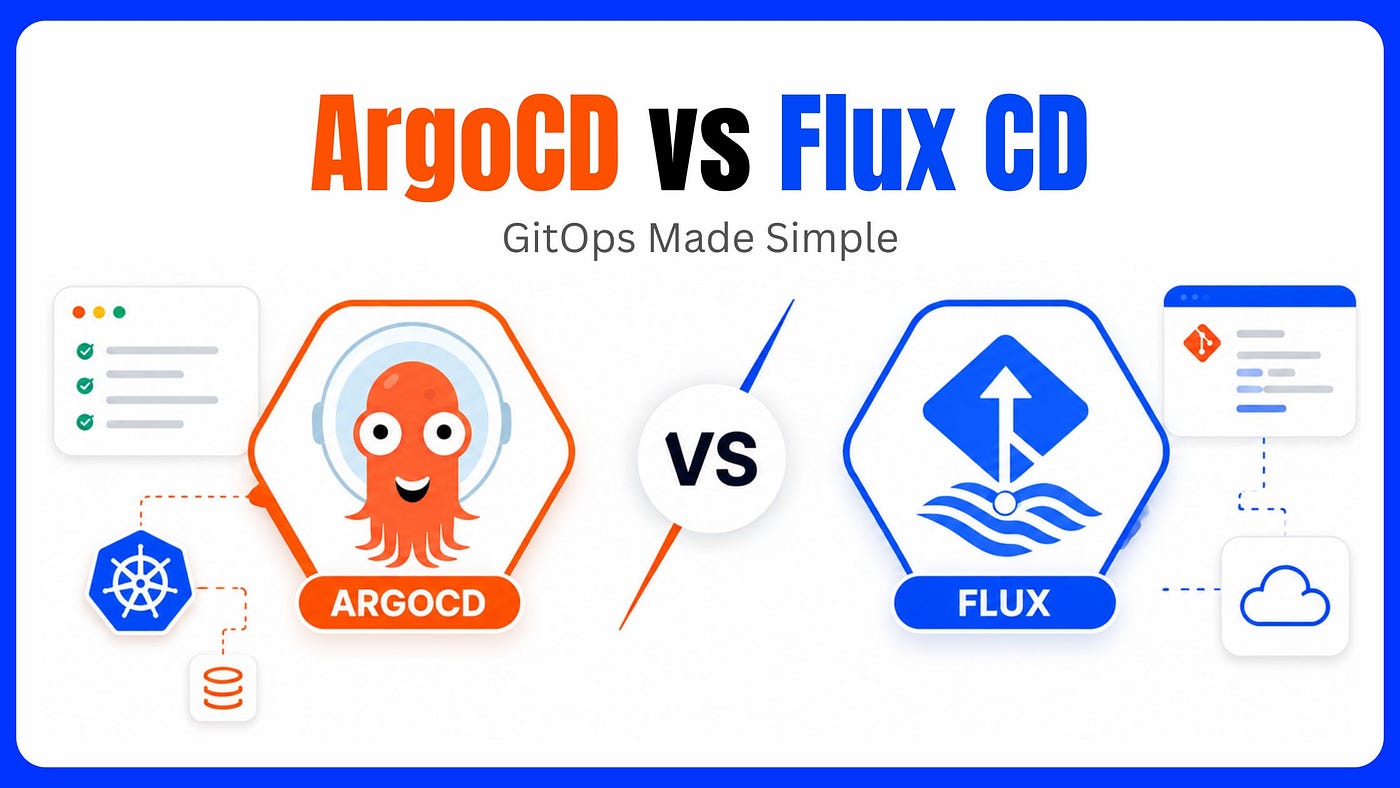
Automate deployment in Kubernetes
Kubernetes GitOps CD Tools: FluxCD (vs ArgoCD, Jenkins-X)